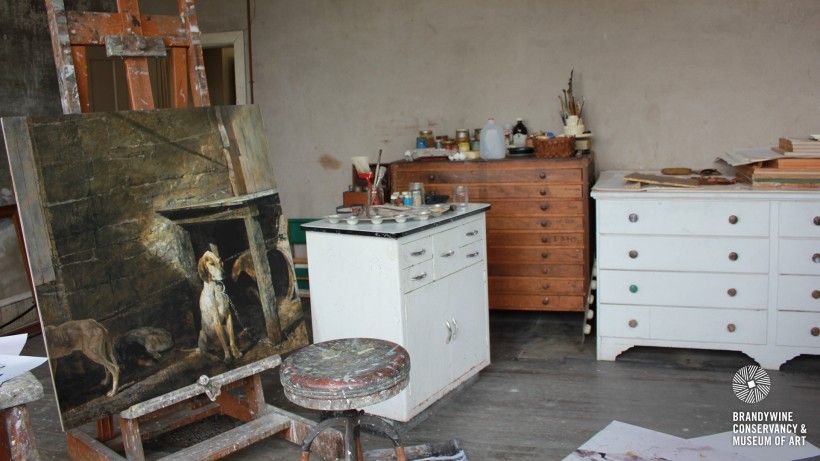
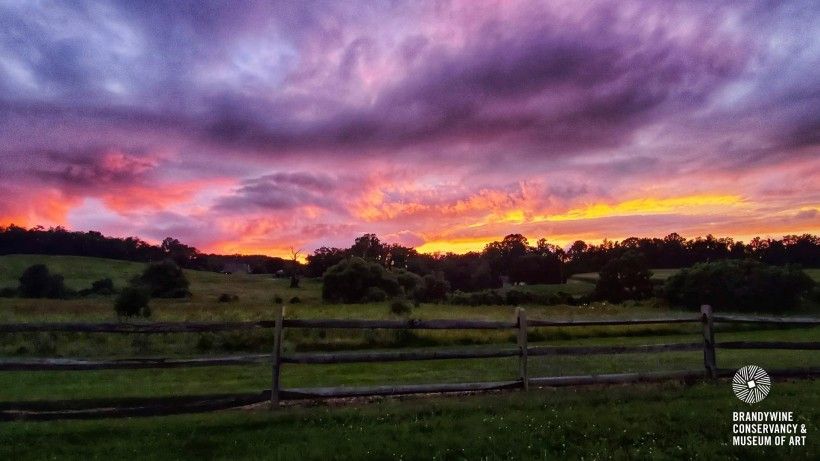
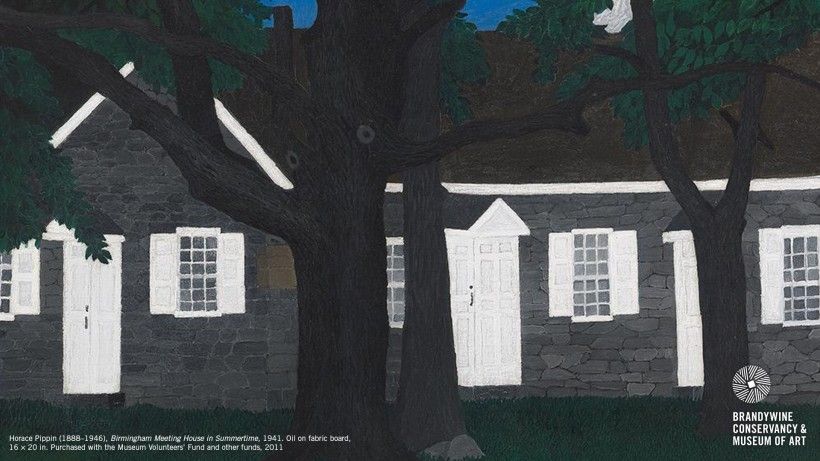
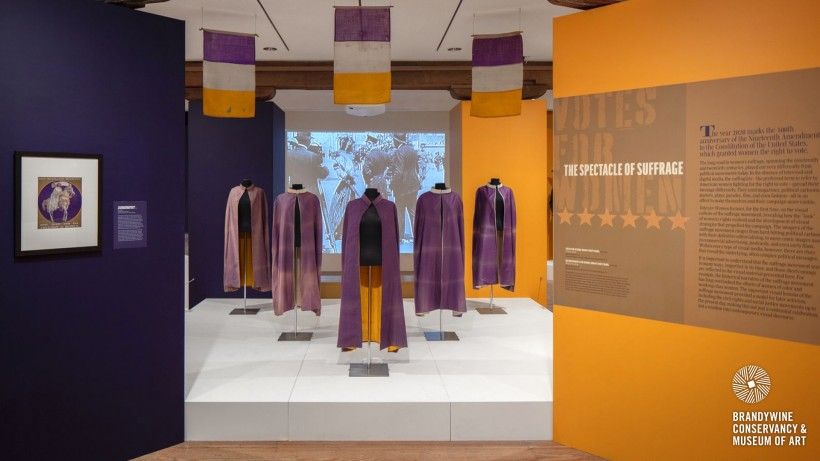
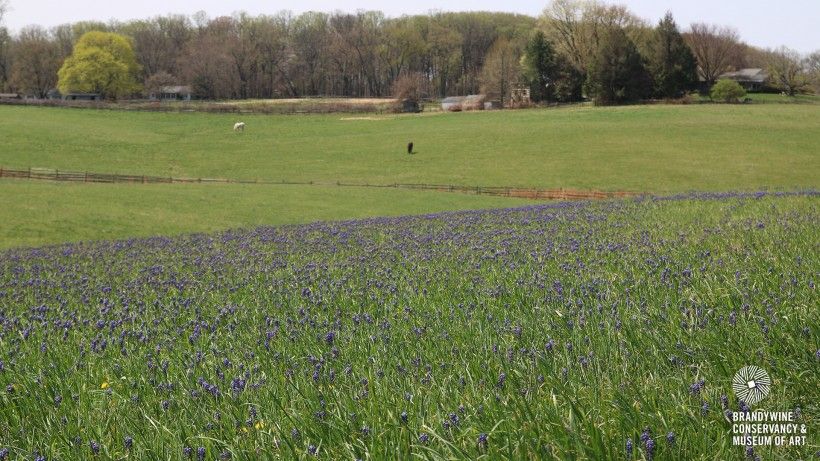
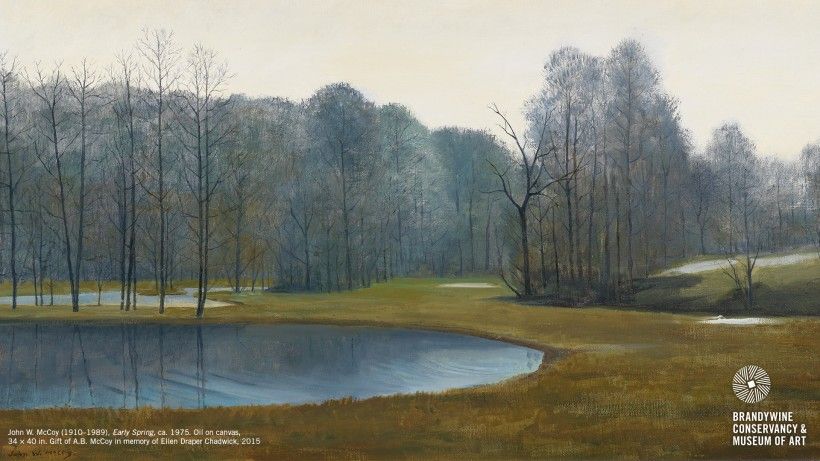
Bring the Brandywine to your next video conference with new background graphics that can be uploaded as a backdrop to your virtual get-togethers. Choose from a selection of famous works in our collection, scenes from our campus and stunning nature preserves, and backdrops from inside our historic artist studios.
Instructions to use a custom background on Zoom:
- Click on an image below to download it to your computer.
- Open the Zoom application, sign in, click your profile picture in the top corner, followed by the Settings link in the drop-down menu.
- Navigate to the Virtual Background tab, where you can add the downloaded images by clicking the plus sign and uploading the new image files.
- If you do not have a green screen, Zoom recommends streaming from a location with a solid background color. Make sure "Mirror my video" is deselected for best results.
Learn more about using custom backgrounds in Zoom, Microsoft Teams, and Webex.
Image
Image
Image
Image
Image
Image
 The Brandywine River Museum of Art
 George A. Weymouth, Indian Hanna, 1990
 Covered bridge at the Laurels Preserve
 Jamie Wyeth, Portrait of Pig, 1970
 N. C. Wyeth Studio
 N. C. Wyeth, Treasure Island, endpaper illustration, 1911


